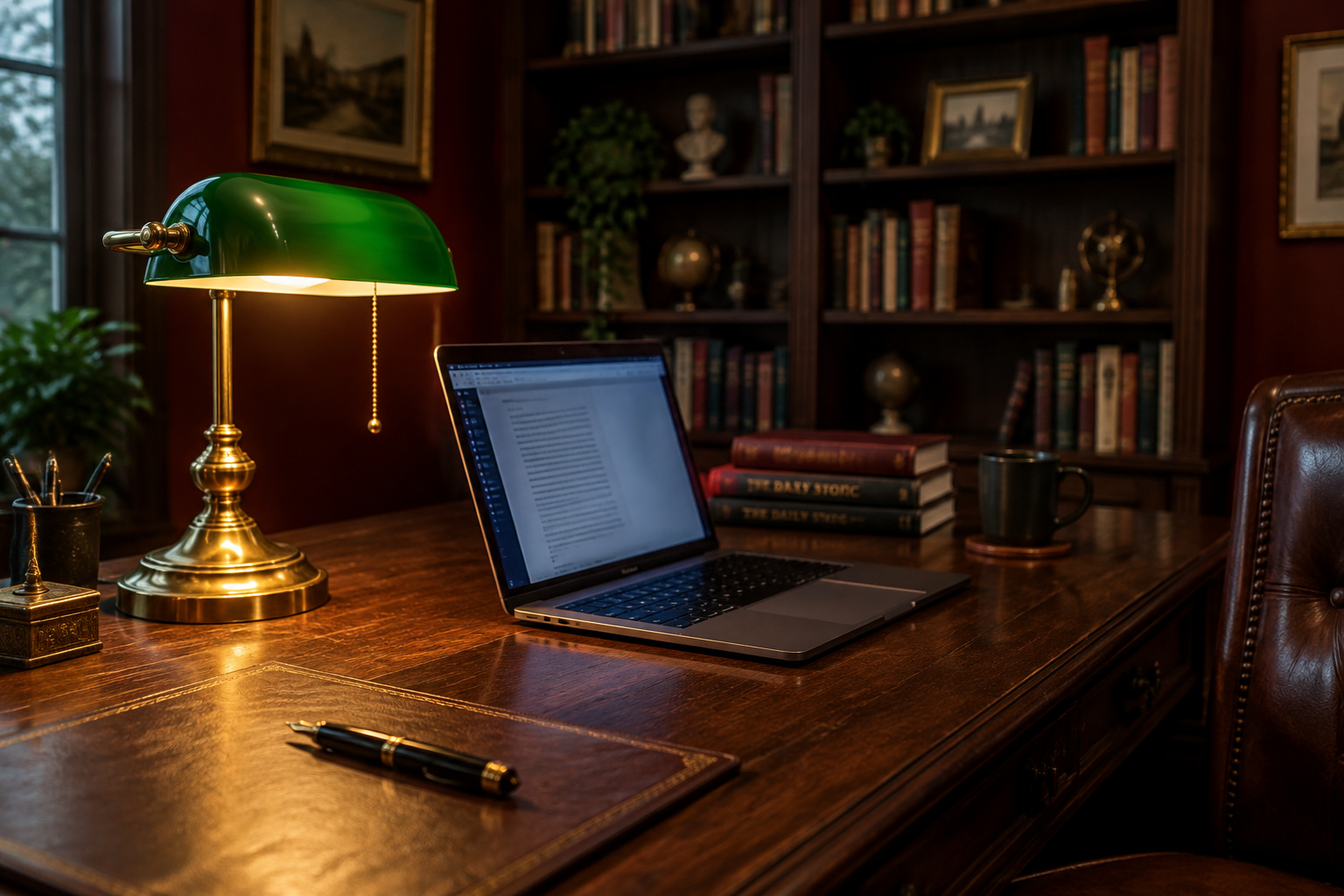

My first theater was a bedsheet stapled across the end wall of a graduate-house common room and a projector I had to return on Monday. My mistake that night was killing every light in the room on the theory that darker is always better. By the second hour the people on the sofa were squinting and pressing thumbs into their eyebrows. There was nothing wrong with the picture; the room was the problem. I think about that common room every time someone builds a beautiful dark academia desk setup, gets the oxblood wall and the brass lamp exactly right, then opens a laptop at nine at night and wonders why their head hurts by eleven.
TL;DR
- The headache comes from contrast between the screen and its surroundings. ISO 9241-303 puts everything you view alongside the screen (page, desk, the wall behind the monitor) between 0.1 and 10 times the screen’s own luminance, and a near-black wall behind a lit laptop falls under that floor.
- Your desk wants the same 30 to 50 foot-candles (300 to 500 lux) this site gives a reading chair, and intensive screen work sits at the low end of that band on purpose. Only detailed paper work steps up toward 500 to 750 lux, aimed at the page.
- Put the lamp on your non-writing-hand side, beside and slightly behind the screen’s plane, tilted down onto the desk. Use a matte surface. When you work late, turn the screen down before you turn the room up.
A bright screen in a deliberately dark room
Your eye adapts to the brightest thing in view and judges everything else against it. In a room built on bottle green and near-black, the brightest thing in view is a rectangle fourteen inches wide, and every time you glance from it to a notebook, your pupils do work they were not doing five seconds earlier. Three hours of that gives you the headache, more than the screen itself does.
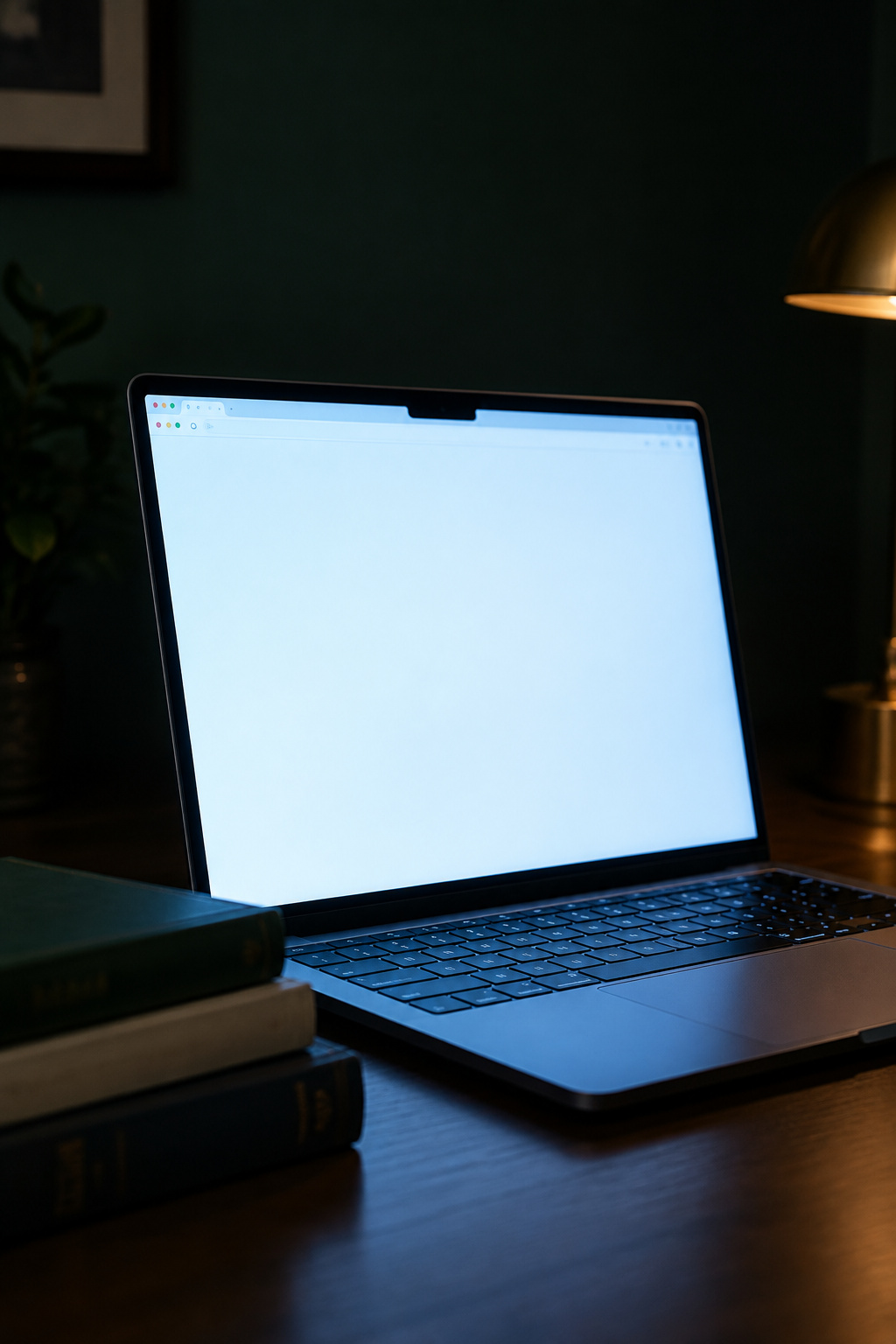
Two standards put numbers on it from opposite directions. ISO 9241-303:2008 sets the window: task areas you view in sequence with the screen should stay between 0.1 and 10 times the screen’s average luminance. ANSI/HFES 100-2007 caps the other end for bright-text-on-dark screens, at roughly ten times the screen average for anything wider than five degrees in your field of view. The same standard’s best measured performance came with a surround near five times the screen’s luminance, and total darkness falls off the bottom of the scale altogether. Cinemas work this out without the arithmetic. There is always a wash on the side walls and a glow in the aisle, because part of a projectionist’s job is keeping a controlled surround.
You can close the ratio from either end, and the screen end costs nothing. Raising the room’s light works. So does turning the display down to meet the room, which is usually the better move in a space you made dark on purpose. That is a room-level decision as much as a desk one, so it is worth planning the dark academia bedroom around it before the corner is finished and a lamp has to be bolted on.
Placing and setting the task light so you can read the page
Lamp position and beam angle
Position costs nothing and does more than wattage. Work through these four steps in order:
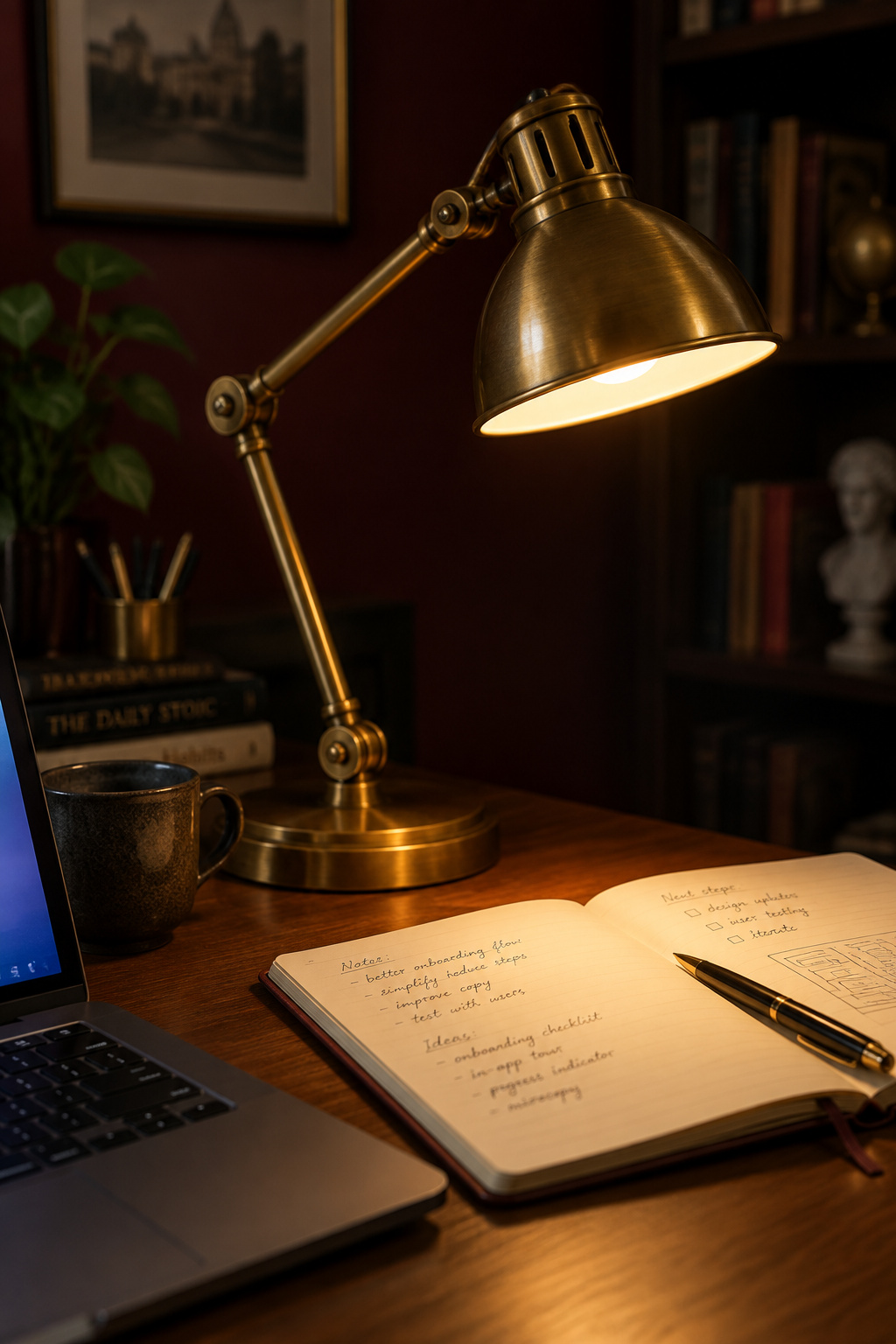
- Put the lamp on your non-writing-hand side (left of the desk if you write right-handed) so your own hand never shadows the page it is working on.
- Set it beside and slightly behind the plane of the screen, never behind the screen facing back at you. OSHA’s workstation guidance is built on keeping light sources out of your line of sight and off the face of the display.
- Tilt the shade down onto the desk. An articulating arm keeps light local to the page and keyboard instead of washing the wall behind the monitor, which is the wall you want dark.
- Check the screen while it is still off. If you can see the lamp in the dark glass, you will be reading through that reflection all evening. Fix it by moving the lamp, not your chair.
ISO 9241-6 calls this localized lighting: light that raises illuminance at the specific position where work happens, as distinct from lighting the room. That is why one positionable lamp beats a brighter ceiling fixture here.
Matching the light level to the task
A desk needs thirty to fifty foot-candles (300 to 500 lux), the same band this site already publishes for library reading. The IES 10th-edition quick reference puts office desk work at a 40 foot-candle horizontal average with a maintained range of 30 to 50, so the desk gets the same number as the reading chair.
A National Research Council Canada review of office-lighting research reports that ANSI/IESNA RP-1-04 recommends 300 lux where computer use is intensive and 500 lux where it is intermittent. Heavier screen work gets less light, because ambient brightness competes with the contrast on the display. Europe’s EN 12464-1 files writing, typing, screen work and reading under one figure too.
The step up is real but narrow. Detailed paper work (marginalia, annotation, a long stretch of handwriting) gets 500 to 750 lux, and the lamp should throw it onto the page rather than spread it across the room. If you are answering email in a dark room, you are at the bottom of the band by design.
Where the monitor and its cables go
The monitor is not going to disappear, and trying to make it disappear is what breaks the room: the screen shoved into a corner at a bad angle, the keyboard on a shelf at the wrong height, everything arranged around pretending a 2026 desk is a 1926 desk.
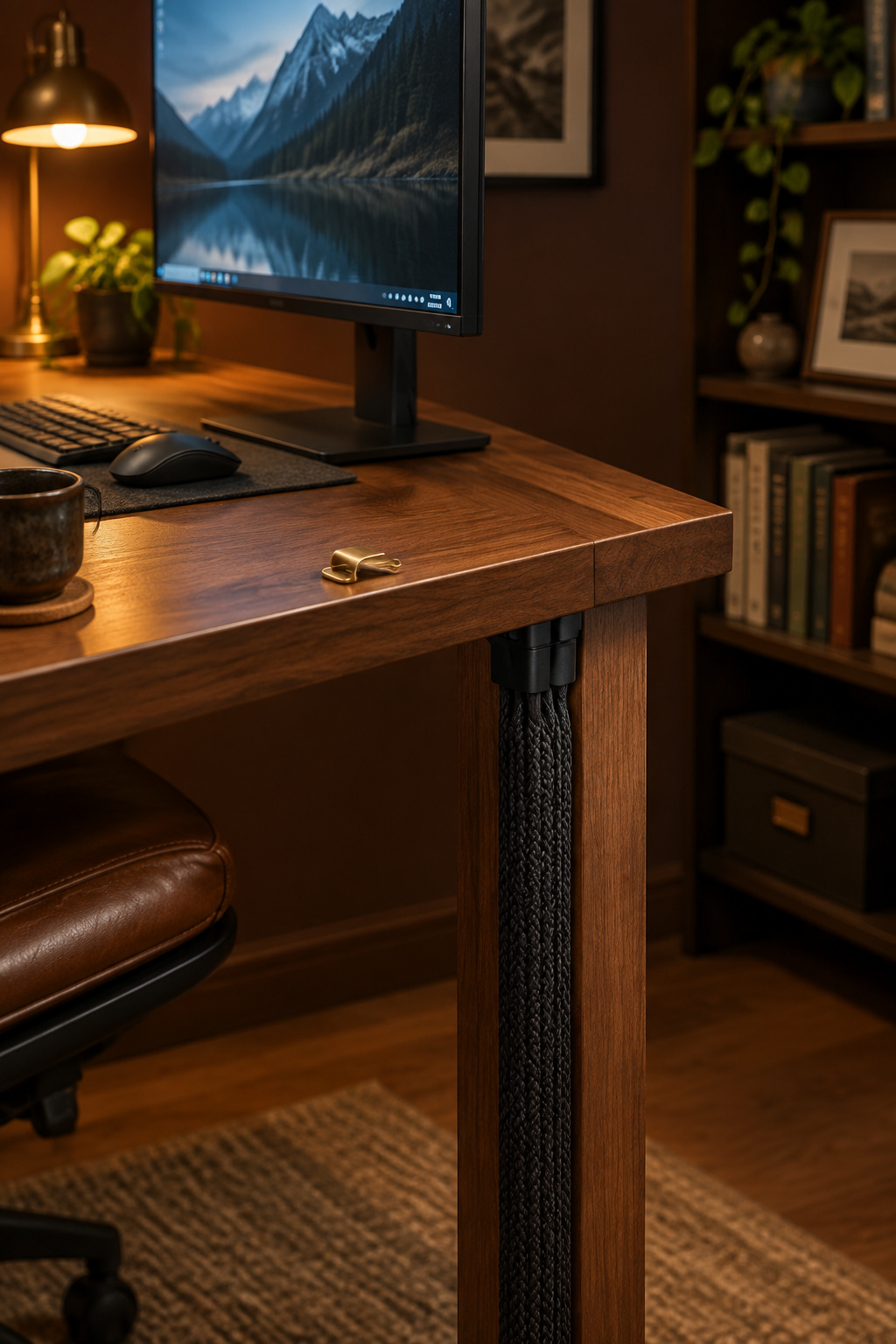
Place it properly instead. OSHA puts the top of the monitor at or slightly below seated eye level, at a viewing distance of roughly 20 to 30 inches, close enough to arm’s length that you can check it by reaching. Set it perpendicular to your strongest light source rather than facing it. Most people know to do that with a window and almost nobody does it with a lamp, but a warm brass shade behind the screen throws the same reflected hot spot a window would.
The cables are what you can actually tidy away. Surface-mounted paintable raceway with peel-and-stick backing runs about $20 to $50 for a 10 to 16 foot kit, goes up in around twenty minutes with no tools, and pulls off most latex-painted walls cleanly, which matters if you rent. Paint it the wall color, run it down a leg, and sleeve the loose tails in fabric or leather. Art over a desk hangs lower than art over a bed because you look at it from a seated sightline; both heights are settled in the piece on framed art and mirrors.
A desk surface and seat for long working hours
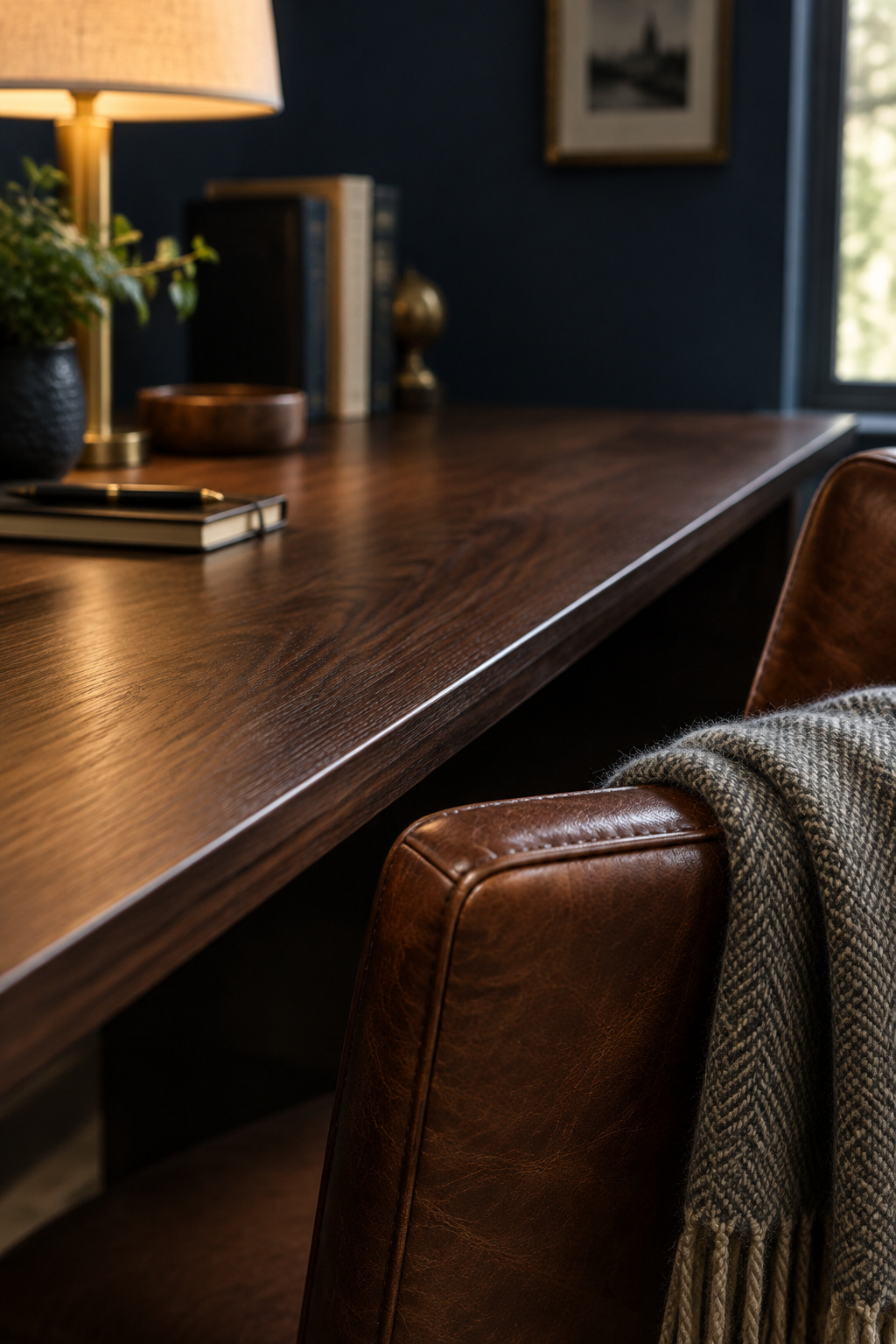
Whether a desktop fights your lamp depends on its gloss level more than on whether it is wood, laminate or glass, and every material comes in both.
| Surface | Under a lamp | Where the money goes |
|---|---|---|
| Dark low-sheen wood | Diffuses the beam; no hot spot | Worth it — the one choice where period look and glare control agree |
| Matte laminate | Behaves the same optically for far less | Best value; you are buying the finish, not the material |
| High-gloss lacquer | Specular hot spot beside the monitor | Diminishing returns; the shine costs you the surround you just built |
| Glass | A shallow mirror, plus every fingerprint | Skip it on a desk you actually work at |
Depth is the other number that bites. University ergonomics checklists and an independent furniture-ergonomics source converge on 24 inches as the minimum for laptop-only work and 30 inches once an external monitor and keyboard arrive. That is the 20 to 30 inch viewing distance showing up again as a furniture dimension.
If a shelf is going above the desk, leave roughly 18 to 24 inches of clearance above the work surface so the monitor and lamp still have room to operate. Three independent design sources land on that band and no code or trade body governs it. That is a weaker kind of confidence than a standard gives, and I would rather say so. How deep the shelf should be is a separate decision on different grounds, so it is worth sizing a shelf above the desk before you drill.
The seat is simpler than the internet suggests: a height that leaves your forearms level with the desk, real lumbar support, and leather or wool instead of office mesh. Upholstery is the one place I will take the aesthetic over the ergonomic catalog, and that part is a judgment about materials with no measurement behind it.
Bringing the dark academia desk setup together
None of these four decisions fixes the corner alone, and they lean on each other more than they appear to. A matte surface cancels glare a badly aimed lamp would create, and a well-placed lamp shrinks the screen-to-surround problem before you touch the brightness slider. The single move with the most effect is still lamp position relative to the screen, ahead of more furniture, a brighter room or a better desk.
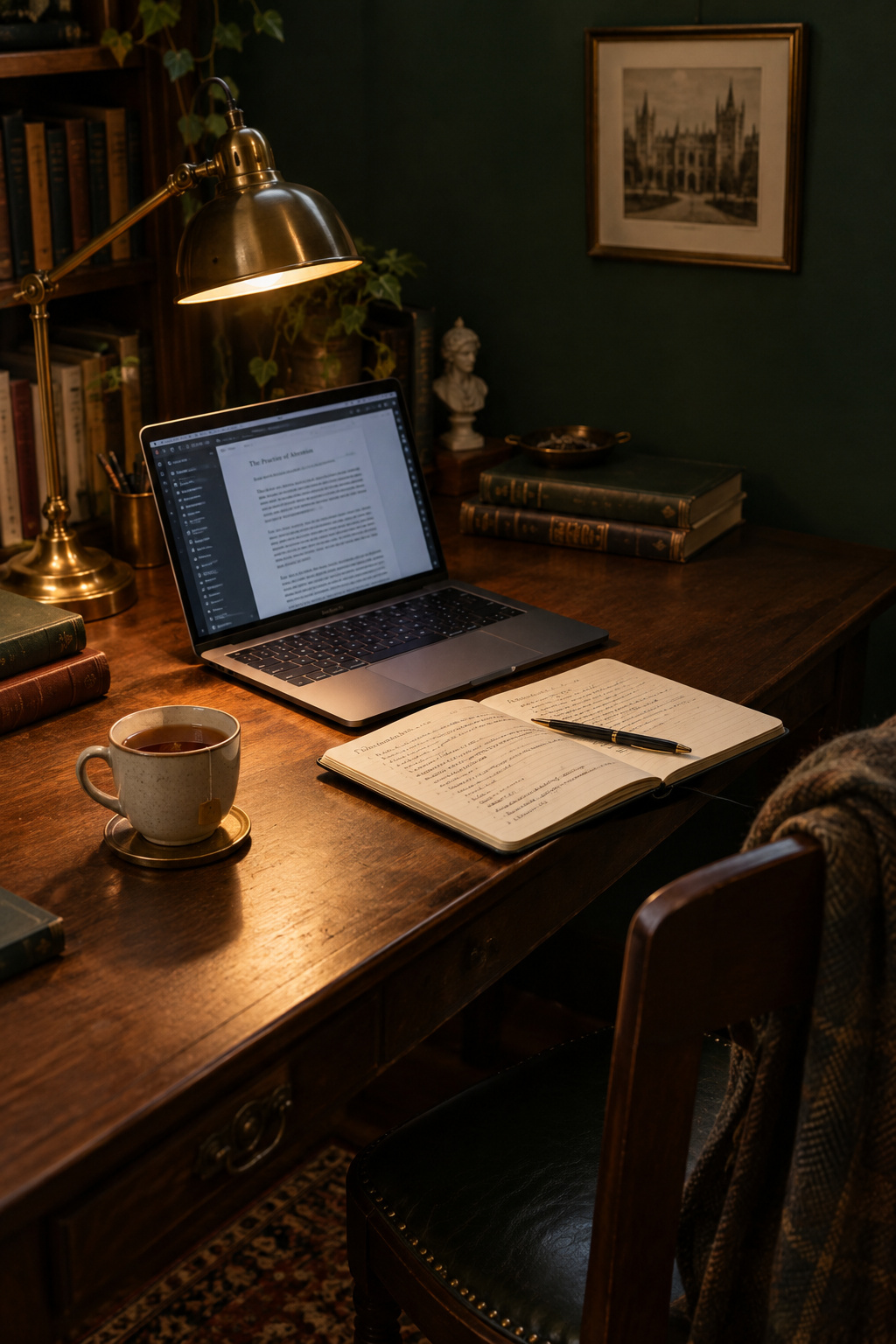
The same problem shows up in tighter quarters, where you cannot drill for a raceway anchor and one lamp has to be the room’s entire lighting plan. That is the same desk problem under dorm rules, and the mechanism stays the same when the rules change. My bedsheet-and-borrowed-projector corner was not good, but it taught me what the expensive rooms taught me later, which is why I have never had patience for sneering at a starter desk.
One limit on all of this: ISO 9241-303 and ANSI/HFES 100 were written for professional workstations, and nobody is going to inspect your bedroom against them. Borrowing their ranges for a desk under a bottle-green wall is a reasonable extrapolation with no code behind it. The mechanism still carries over, because your eye adapts to the brightest thing in view whether or not the room was ever in scope.
FAQ
Can a warm smart bulb replace a dedicated desk lamp in a dark academia setup?
Not for task light. ISO 9241-6 defines localized lighting as light raising illuminance exactly where the work happens, and a smart bulb in a ceiling or floor fitting spreads its light across the room instead. A warm 2700 to 3000K bulb handles ambient light and mood well, but the page still needs a positionable lamp.
Does a dark desk or dark wall behind it make video calls look worse?
It is rarely the wall’s fault. A webcam’s auto-exposure reacts to a background brighter than your face, such as a window or lamp behind you, so the silhouette comes from backlighting rather than the paint color. The bigger risk in a deliberately dark room is an unlit face. If your lamp points at the page, add a small second source in front of you.
What’s the minimum desk depth for a laptop and an open notebook side by side?
Width runs out before depth does. Ergonomics sources put 24 inches as the laptop-only minimum depth, and neither a laptop nor an open notebook is deeper than that front to back. For width, add a 13 to 15 inch laptop, an 11 to 17 inch open notebook and a 3 to 4 inch working gap, which comes to roughly 28 to 35 inches.