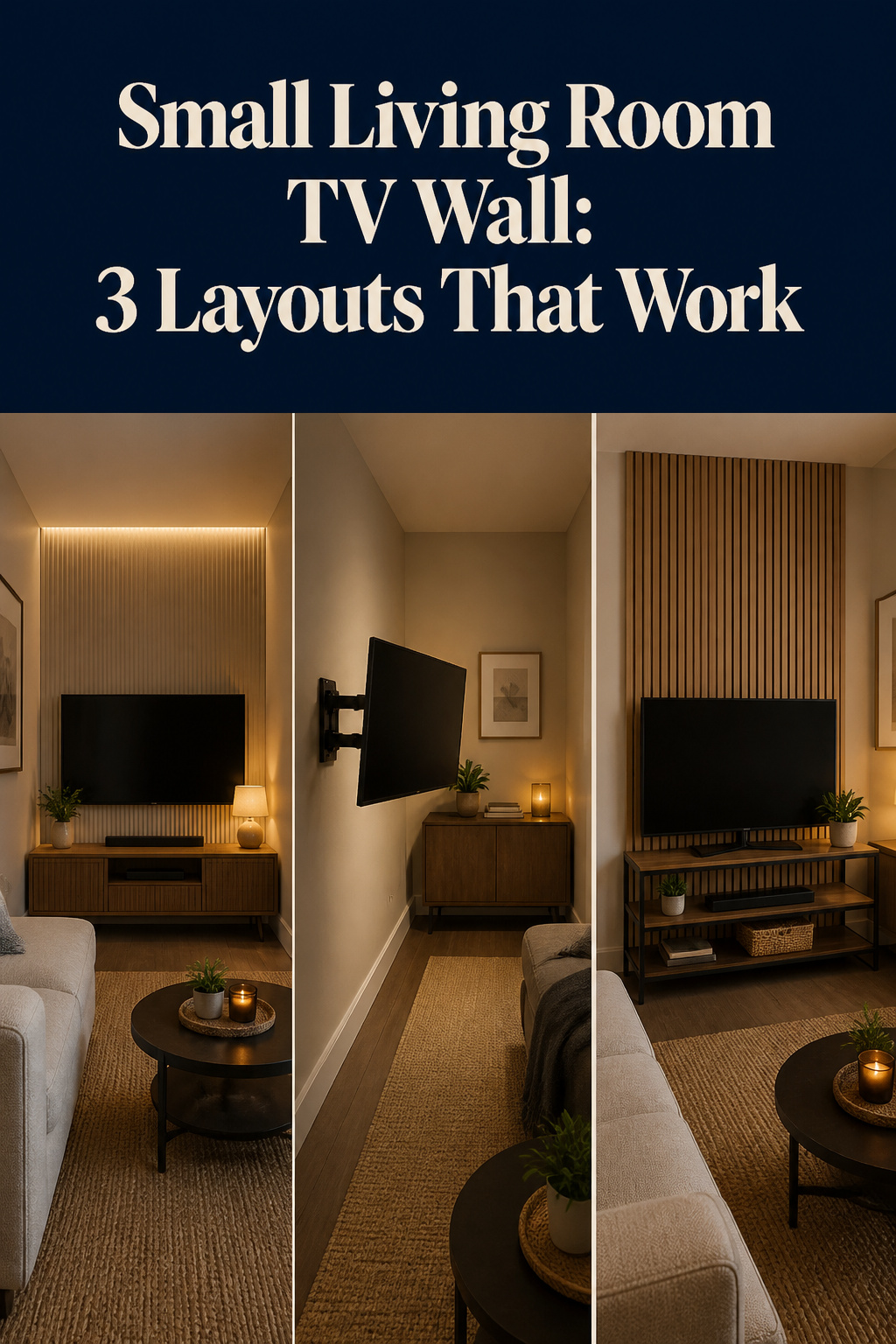

The sofa is six feet from the wall and there is exactly one place it can go. That is the small living room TV wall reality, and it changes the whole problem. In a big room you choose a screen, then choose where to sit; here the seat is fixed, the wall is short, and every inch you give the TV is an inch the room loses. The good news is that a tight living room can deliver a genuinely great picture — often a sharper one than a cavernous space, because you sit at the distance 4K was designed for. You just have to size and place the screen for the distance you actually have, not the screen you wish fit.
TL;DR
- Size the TV to your sofa-to-wall distance, not the room: at 6–7 feet, a 50–55-inch 4K screen sits in Crutchfield’s recommended range; at 8 feet, step up to 65 inches.
- Mount the screen centre at 42 inches from the floor and pair it with a floating console (12–16 inches deep) to reclaim 18–24 inches of floor a stand would have eaten.
- Renters: a no-drill studless mount rated to 100 lb holds any 43–55-inch TV, and peel-and-stick panels give the accent-wall look with zero damage.
Getting the Screen Size Right for a Small Living Room
Here is the mistake that starts most small-room regrets: people size the TV to the room’s square footage, or to the budget, and end up sitting four feet from a 65-inch panel. The reliable control variable is not the room — it is the distance from the back of your sofa to the screen. Measure that first. Everything else follows from it.
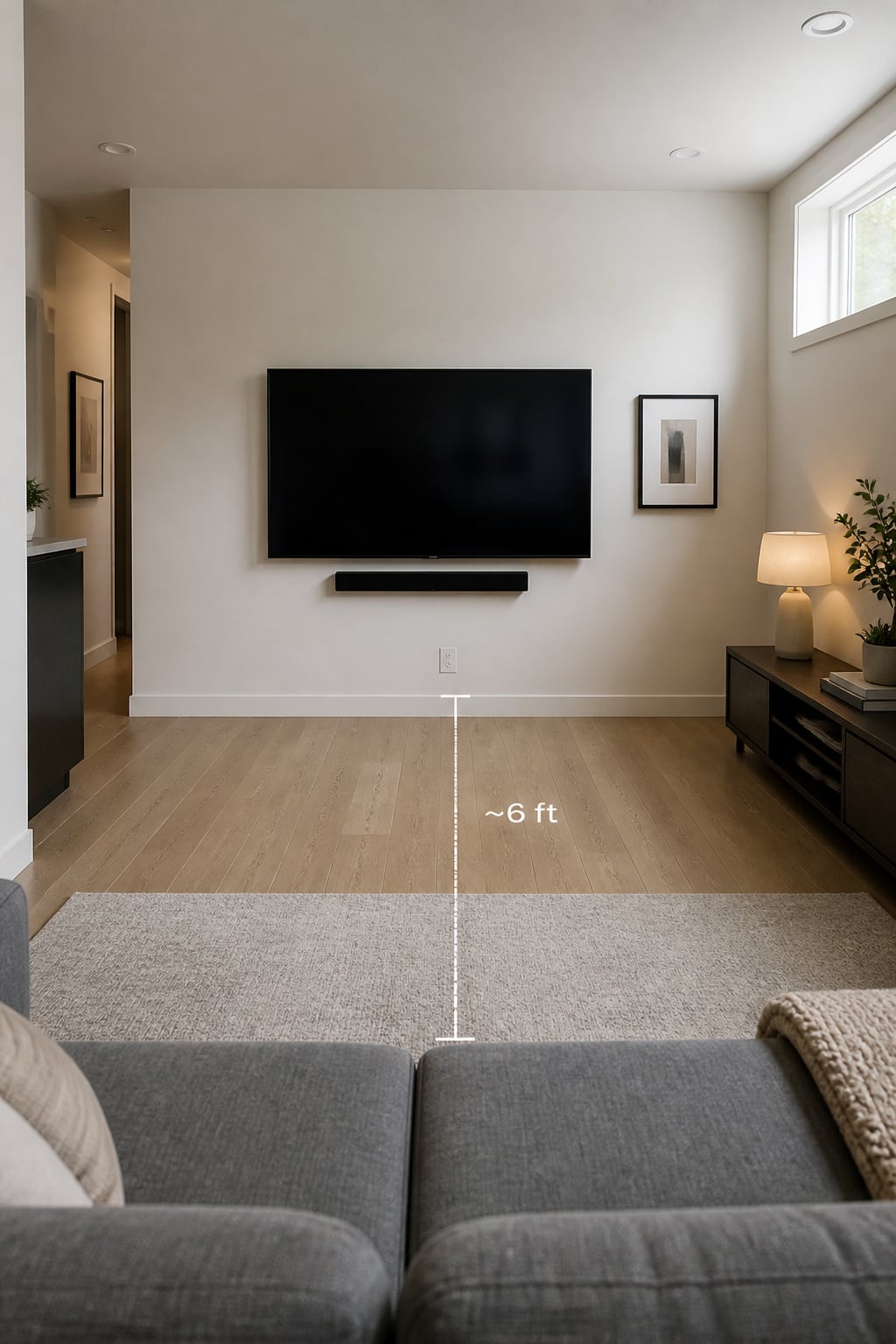
As a proportional cross-check, interior designers often suggest keeping the TV width to roughly 55–70% of the wall it sits on — enough presence without dominating the surface — and leaving 6–8 inches of breathing room on each side. That is guidance, not a standard, and in a small room the viewing-distance math below will usually constrain your choice more than the wall proportion will.
Viewing distance math for small spaces
Crutchfield’s industry-standard 4K table sets the comfortable distance at one to one-and-a-half times the screen diagonal. For the sizes that suit a small room, that lays out cleanly.
| TV diagonal | Comfortable viewing range | Best for sofa-to-wall distance |
|---|---|---|
| 40 in | 3.3–5 ft | Under 5 ft |
| 43 in | 3.6–5.4 ft | 4–5.5 ft |
| 50 in | 4.2–6.3 ft | 5–6.5 ft |
| 55 in | 4.6–6.9 ft | 6–7 ft |
| 65 in | 5.4–8.1 ft | 7–8 ft |
Read it off your measurement. A sofa seven feet from the wall lands a 55-inch screen at the top of its comfortable range — right at the edge, not over it. A quick field rule when you are sketching before you measure: one foot of distance per ten inches of diagonal, so a 50-inch TV wants about five feet. The standards bodies bracket the same answer — SMPTE puts the ceiling at a 52-inch screen for a seven-foot seat, THX a slightly more cinematic 60 inches.
Why bigger isn’t better when the sofa is close
There is a real penalty for going too large, and it is not just that the room feels crowded. Sit six feet from a 65-inch screen and you exceed the SMPTE comfortable angle — your eye has to track across the picture instead of taking it in whole, and across a two-hour film that reads as fatigue. The screen stops being a window and becomes a wall you scan. “Getting too close is less of an issue than sitting too far away,” notes Crutchfield’s Colin M., and with 4K he is right: you can sit at the close end of the range with no visible pixels, so a small room is a feature, not a compromise. The error to avoid is the opposite one — oversizing until the picture overwhelms both your eye and the room.
Mount it at the right height
One number ties the section together: screen centre at 42 inches from the finished floor. That is seated eye level, and it is the single most-missed spec in any room, small or large. The instinct in a tight space is to mount high to clear furniture, but a TV centred at 60-plus inches forces your neck up for the whole film. With the low-slung sofas small rooms favour, 42 inches keeps the neck neutral and stops the screen from visually pressing down on the room.
Centered vs. Corner Placement: Which Layout Opens Up a Small Room
A small room usually offers two honest placements, and they suit different rooms. The choice turns on one question: where is the longest usable wall, and is anything interrupting it?
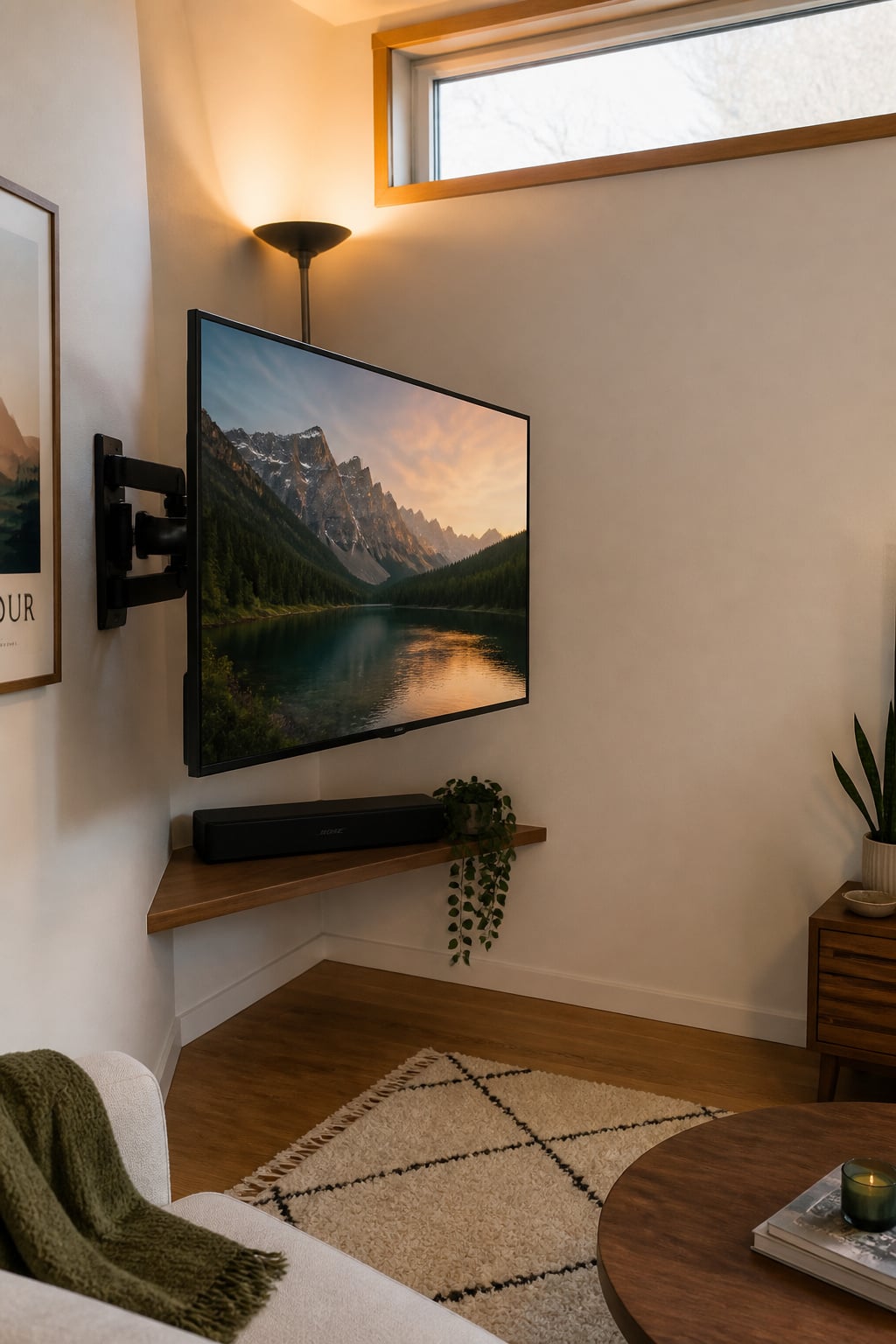
Centred placement, on the short wall of a rectangular room, is the workhorse. It delivers the best picture for every panel type, because all screens look their sharpest viewed straight on, and it puts the seating on the long axis, which buys you maximum viewing distance in a narrow room. It is the right call when the main sofa faces one wall squarely and no door or window breaks that wall.
Corner mounting is the underused option, and in the right room it is the better one. Angling the screen across the corner frees the room’s longest wall entirely — for a sideboard, shelving, or open space — the real prize in a room under 150 square feet where wall real estate is the constraint. It also turns the screen away from a side window, cutting glare you cannot otherwise design out. The catch is the panel: an LED or QLED screen washes out at 40–45 degrees off-axis, roughly the angle corner seating creates. As the Crutchfield team puts it, “OLED TVs provide their best picture to viewers on all sides; LED TVs provide their best picture to those sitting right in front.” For a corner, an OLED — good past 120 degrees off-axis — earns its price.
Run the decision against your own room:
- Choose centred when the main seat faces one wall, the TV wall is uninterrupted, and there is one clear viewing position.
- Choose corner when the longest wall is broken by a door or window, the seating wraps an L-shape, or a side window throws glare on a flat wall.
- Either way, use a full-motion bracket for a corner (90–180 degrees of swivel so any seat gets a square-ish picture), and plan the cable route first — corner runs are diagonal and harder to hide.
Wall Mounting to Reclaim Floor Space
In a small room, wall-mounting is less about the look and more about the floor. A standard TV cabinet eats 18 to 24 inches of depth; lift the screen onto the wall and you get all of that back. That is the whole argument, and in a room under 150 square feet it is a strong one. But mounting forces a trade-off most people only notice afterward — the stand was holding your gear, and now it has nowhere to go.
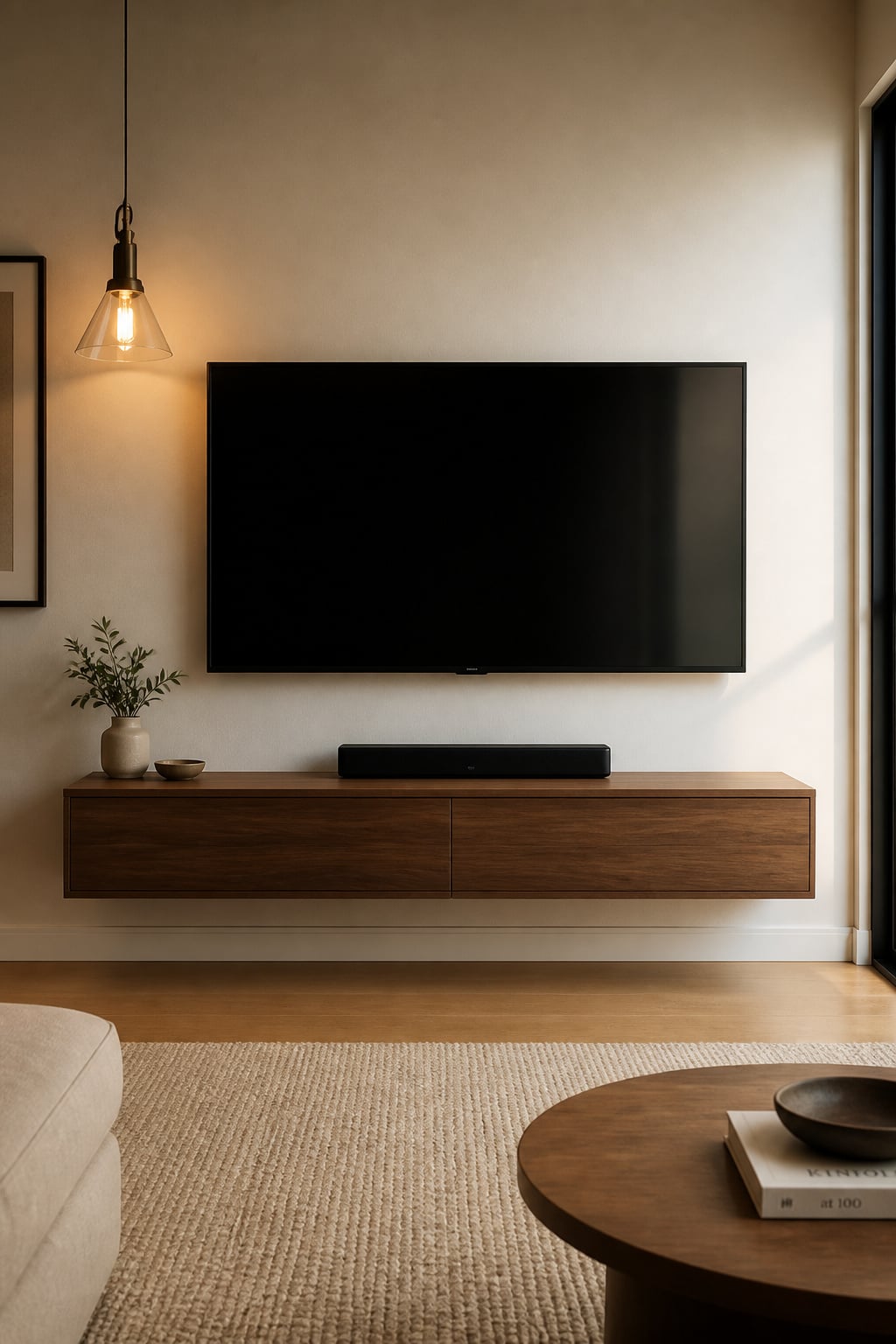
The mount itself comes in three flavours, and small rooms reward picking deliberately.
| Mount type | Clearance from wall | Floor space gained | Best for |
|---|---|---|---|
| Fixed | Under 1 in | Full stand footprint | One straight-on seat |
| Tilt | About 2 in | Full stand footprint | A screen mounted slightly high |
| Full-motion | 3–6+ in extended | Full stand footprint | Corner or L-shaped seating |
A fixed mount sits flattest — under an inch off the wall — which reads cleanest in a tight space, but it locks the screen straight ahead and hides the ports. A tilt mount adds a couple of inches and 5–15 degrees of downward angle, useful when a radiator or a single high stud forces the screen up. Full-motion is the corner answer, but folded flush; left permanently extended, its arm protrudes into the little floor space you just reclaimed.
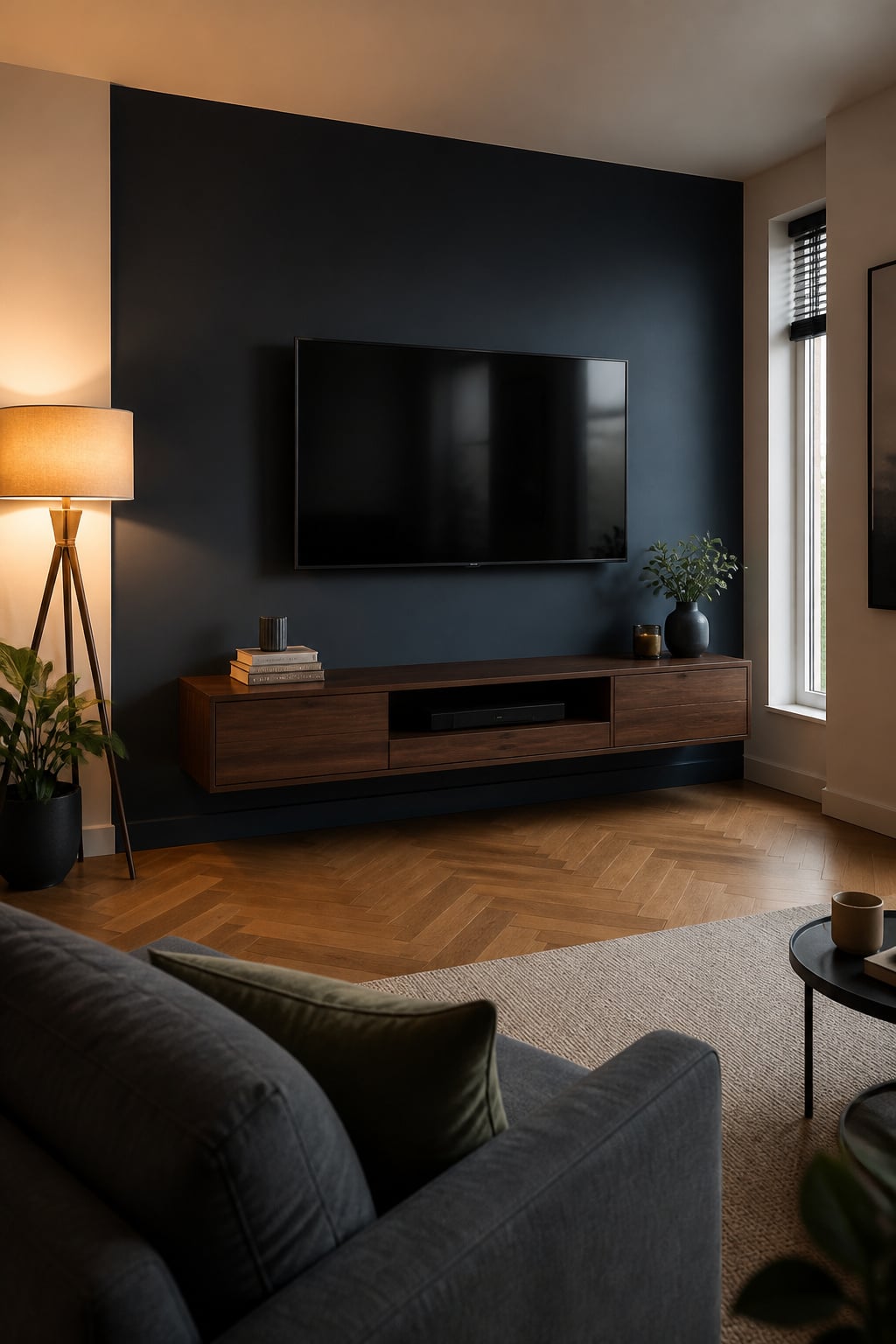
The honest part: take the stand away and the cable box, console, and receiver have to live somewhere, or they end up on the floor — which looks worse than the cabinet did. A floating console is the fix. Wall-mounted, 12 to 16 inches deep against a floor unit’s 18 to 24, it keeps the storage and returns the floor underneath. Mount it at 14–20 inches off the ground, run a wire-management grommet at the back, and the gear disappears. For rooms too narrow for even that, built-in storage around the TV reclaims the same wall as vertical shelving instead of floor depth.
Styling a Small TV Wall So the Screen Doesn’t Dominate
Once the screen is the right size and height, the styling job is to stop the black rectangle from running the room. Three moves do most of the work, and they are different choices in a small room than in a large one.
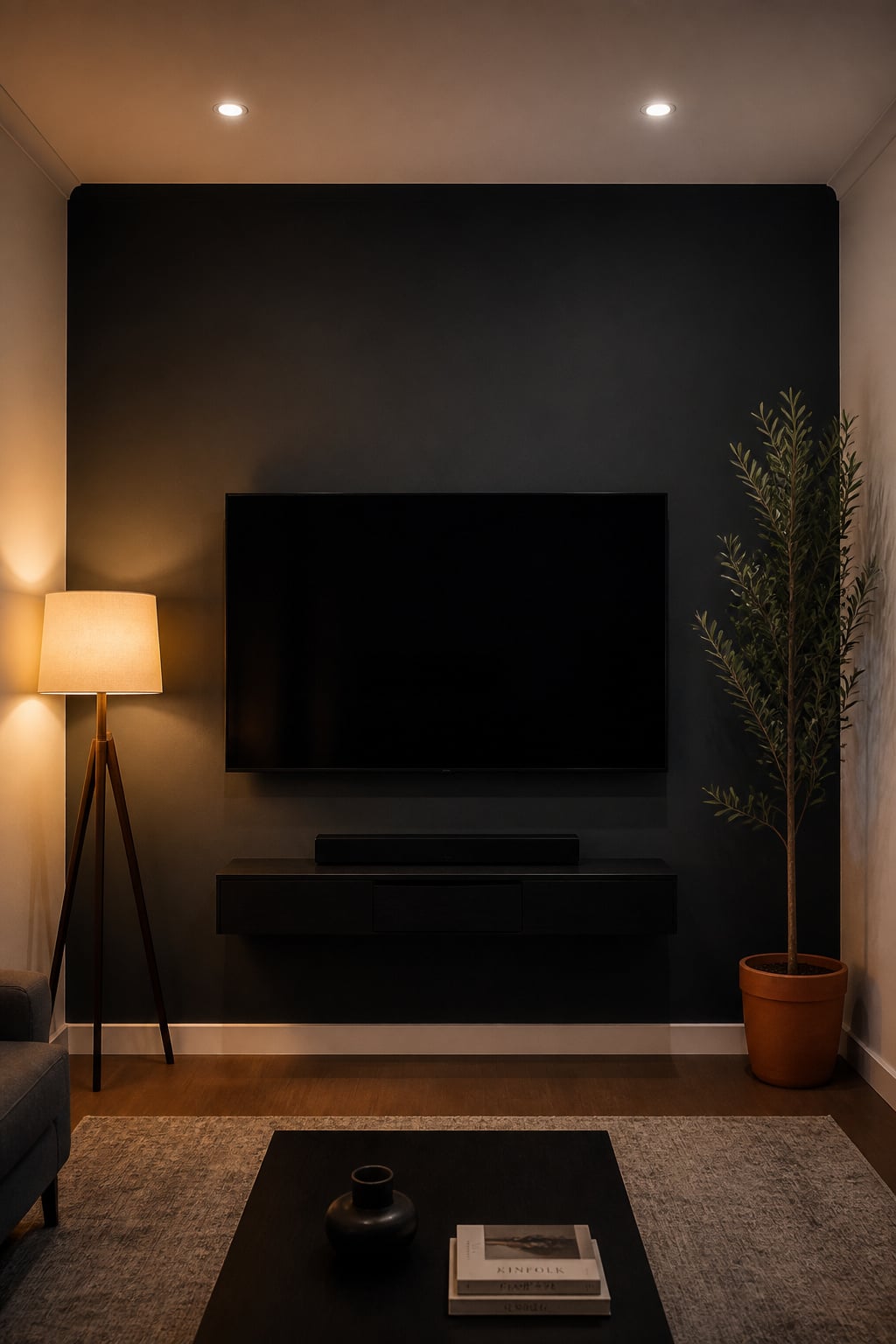
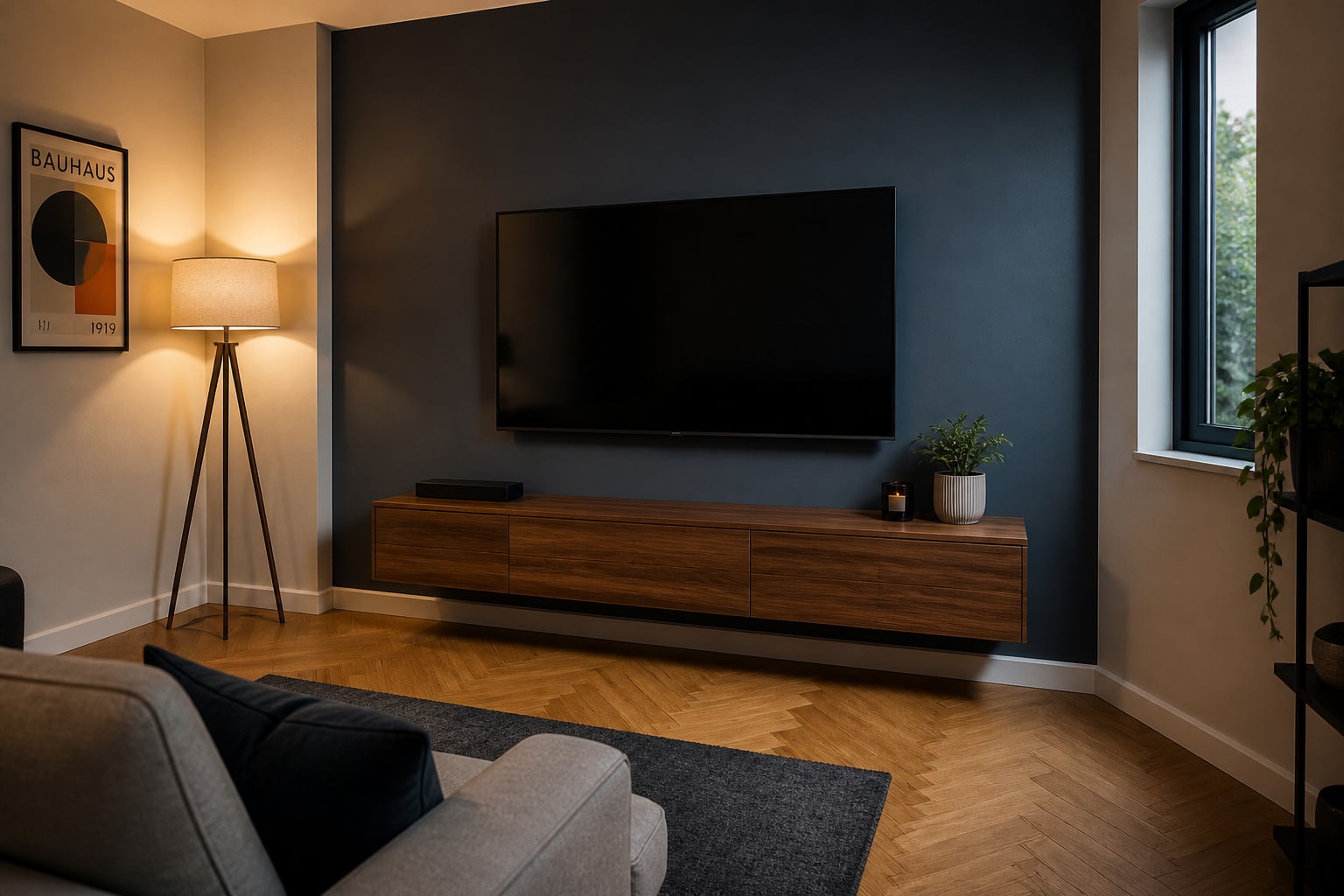
Colour first. In a tight room, a single dark wall behind the screen creates depth and makes the screen recede — but the rule is one wall, not four. Keep the three other walls in a lighter tone; the contrast reads as depth rather than enclosure. Paint all four walls dark and you get a cave. For finish: eggshell is the right call for a family living room — low enough in sheen to avoid glare near the screen, durable enough to wipe down. Matte is worth it only in a dedicated viewing room where cleanability doesn’t matter. In a small room, hold the dark to that single plane.
Then verticality. Small rooms favour low furniture, which leaves the upper wall empty and the ceiling feeling close. A tall, narrow element — a slim floor lamp, a trailing plant in a high planter flanking the screen — draws the eye up and lifts the perceived ceiling. Avoid wide horizontal art on the TV wall; it emphasises width and presses the ceiling down, the opposite of what you want.
Finally, subtraction — and this matters more here than anywhere, because there is no spare visual room to absorb clutter. Before you add a single object, strip the wall back:
- Route every visible cable into a raceway or the wall. In a small room a stray cord reads as double clutter — the wire itself, plus the disruption in an already-tight frame.
- Move loose devices off the console surface and inside it.
- Clear anything that competes horizontally with the screen line.
What is left — a low console, a soundbar, one lamp — is the intentional default. Add back only what earns its place.
Apartment TV Walls: Renter-Safe Setups That Look Permanent
Renting removes the easiest tool — the drill — but not the result. The constraint is real: no stud-mounting, deposit on the line, and a setup that must not look improvised. The good news is that the no-drill hardware has matured, and for the 43–55-inch screens a small room calls for, it is more than adequate.
| Renter-safe method | Weight limit | Fits up to | Damage at move-out |
|---|---|---|---|
| HYPIGO studless mount | 100 lb on drywall | 55 in | Small anchor holes, patch in minutes |
| Echogear no-stud (EGLD1) | 100 lb drywall / 135 lb stud | 77 in | Pin-tip nail holes only |
| HangSmart studless | 150 lb on drywall | 100 in | Proprietary anchors, patchable |
| Tension-pole stand | Floor-to-ceiling, no wall contact | Varies | None — nothing touches the wall |
The numbers matter because the common failure is overloading. A renter buys a 100 lb mount for a 65-inch TV that weighs 55-plus pounds and leaves almost no safety margin. Check the real weight: a Samsung Frame, the design-forward favourite for rentals, is 36.4 lb at 55 inches — comfortably inside every mount above — but 55.6 lb at 65 inches, where you want the HangSmart or a tension pole instead. Match the mount to the actual screen, with room to spare.
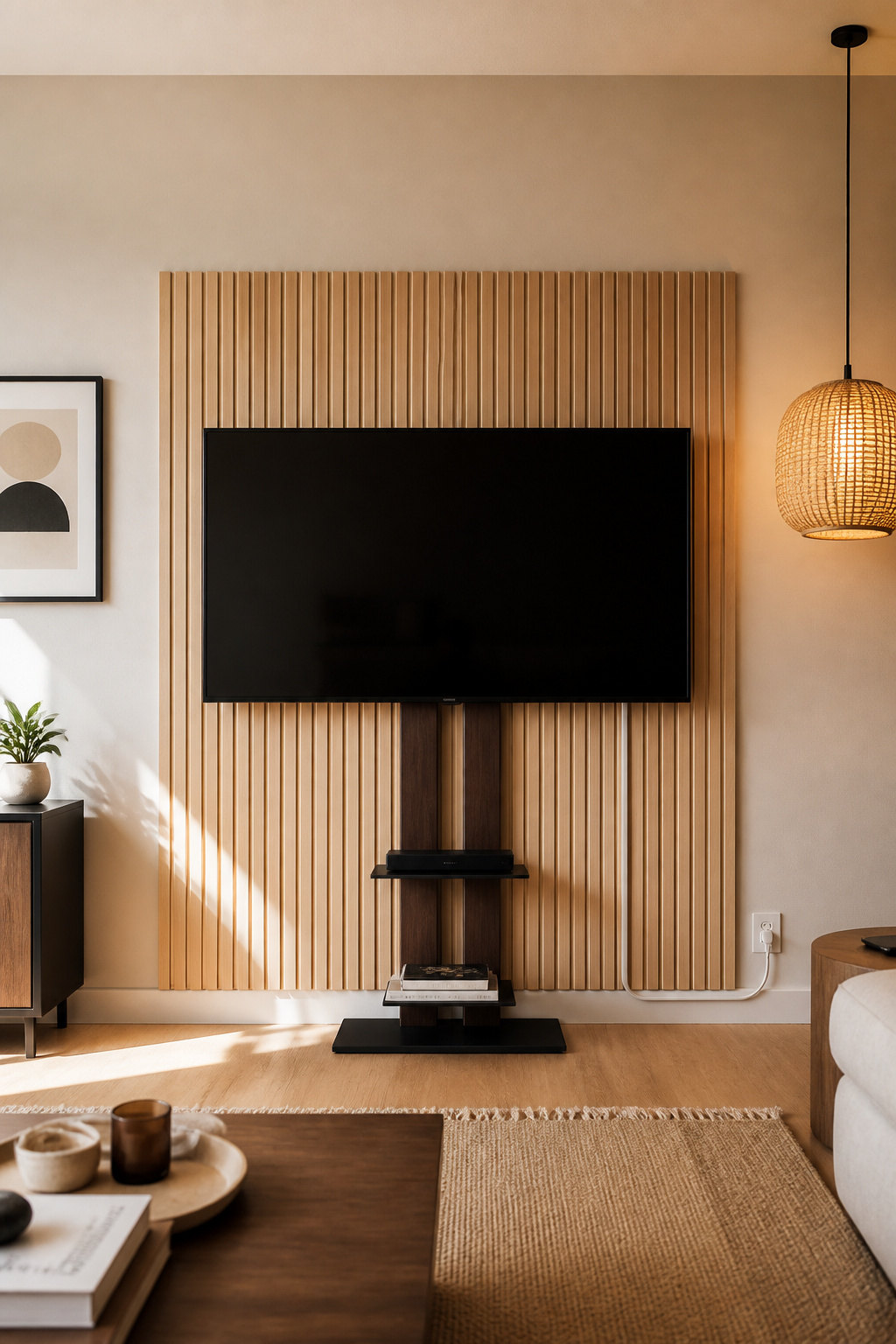
A freestanding stand is not a fallback; treated right, it is a choice. Modern dual-column stands carry 32–75-inch screens on a weighted steel base in under 24 inches of footprint, and they move with you — no install, no deposit risk. The trick is making it look deliberate: match the stand finish to the room’s palette and sleeve the power cable to the nearest outlet so nothing trails. For the accent-wall effect without paint, peel-and-stick wood-slat panels and removable wallpaper peel off clean — applied on walls painted at least three to four weeks earlier, so the adhesive grips the wall, not fresh paint. Whichever route you take, keep the cables hidden: in a small room every visible wire is the detail that gives the setup away. Sequence each layer to come off cleanly at move-out, and a rental wall looks as finished as any owned one. For the wider view, the full guide to designing a TV feature wall lays out every direction at once.
That tight room you started with — one wall, one sofa, six feet between them — was never the problem. Sized right, mounted at 42 inches, and styled with restraint, it is the room that puts you exactly where the picture is best.
FAQ
What size TV should I get for a small living room?
For most small living rooms where the sofa sits 6–8 feet from the wall, 50–65 inches covers the range. At 6–7 feet a 50–55-inch 4K screen sits comfortably within Crutchfield’s recommended distance; at 7 feet a 55-inch is right at the top of its range. If the sofa is under 6 feet away, keep the screen at 40–43 inches.
Can you put a TV in the corner of a small living room?
Yes, and it frees the longest wall for furniture or open space. You need a full-motion articulating bracket for 90–180 degrees of swivel, plus the right panel technology: OLED holds colour past 120 degrees off-axis, while LED and QLED wash out around 40–45 degrees — the typical corner angle. Plan the cable route before mounting.
How do you make a small living room TV wall look bigger?
Mount the screen centre at 42 inches and pair it with a floating console, not a floor cabinet, to reveal floor and make the room feel deeper. Paint only the TV wall a dark matte tone, keeping the other three lighter. Add a tall vertical element beside the screen, and avoid horizontal art that lowers the ceiling.